
Python Vs Python3: Which One You Should Go With In 2025?
Python 3 is strongly recommended for new projects because of its stable release, features and compatibility with advanced computing tools and frameworks. Let us understand the difference between Python vs Python3 and choose a better version this year.
 Varun Saharawat30 Oct, 2025
Python vs Python3: Python refers to a high level interpreted programming language that was released in 2000 and revolutionized the programming world by the speed of light. Python being a versatile programming language with extensive library support and easy to understand coding syntax became everyone's favorite.
Python offers a high level of integration on other platforms which makes it compatible with advanced computing and artificial intelligence platforms. Python3 is an advanced and modernized version of Python with advanced features and support. In this article, we are going to share some insight into Python and Python3 programming languages.
Which is Better, Python or Python 3?
Python 3 is an advanced version of the Python programming language which is better suited for new projects and is a new standard for web development. When using modern projects and environments you must prefer python3 for development. Python 3 is strongly recommended for new development due to its improved features and ongoing support. Python is an older version that might be supported for old projects and when transitioning to a new version, it is much more complex. Many libraries are outdated and cannot integrate with the Python framework hence it is better to use the Python3 version of the language.
Python Vs Python3: Key Takeaways
- The use of the Python 2 version has reached the end of its life and Python3 is more suitable in terms of security and sustainability.
- Python3 is an optimized alternative with consistent syntax and modern development methods as compared to Python2.
- Python3 provides Unicode support, exception syntax, division behavior, print function usage, etc.
- Python3 can be well integrated with data science, web development, machine learning, AI models and more and hence preferred for new projects.
- In 2025 Python3 is a stable release of Python programs available to download for free.
Python Programming Evolution
Python was first released in the year 1991 by Guido Van Possum and became popular due to its simplicity, readability, and beginner friendly nature. Python 3 gained popularity since its release in the year 2008 and introduced many features like improved performance, high integration, Unicode access, and more. After 2020, large numbers of people began iterating from older versions to newer alternatives to Python3. The newer version of Python offers more innovative support and integration methods with web development, data science, machine learning, advanced computing, and more.
Python vs Python3: Syntax Upgrades in Newer Version
Python is an interpreted language with many changes in the newer version especially around syntax to make it more readable and programmers friendly.- Python 3 introduced a Print as a function whereas with Python 3 we use brackets to cover the print as a function command. In Python 2 print was just a statement.
- In Python 2 the division operator always evaluates to round off to the nearest whole number. But in Python3 division always returns a float value.
- Python 3 introduced unicode support which makes the coding experience better than Python 2 older version. The new Python 3 offers more native support for Unicode, unlike the limited support in Python 2.
- The new Python version has a more updated exception syntax with the keyword “as” used for handling exceptions.
Python Vs Python3: Enhanced Community Support
Python 3 provides enhanced and stronger community support with all documentation, learning materials, communication, and a vast reservoir of resources based on the latest tutorials and more.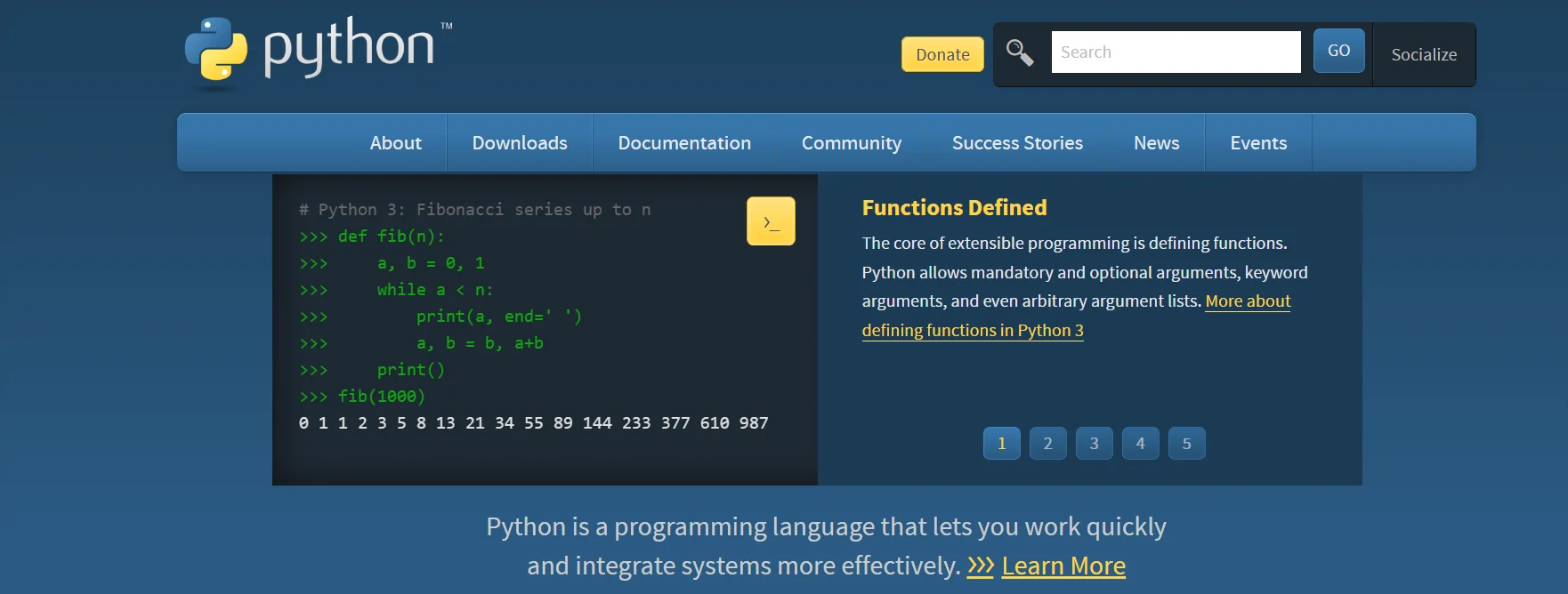 When you transition from Python to Python3 you will have the best support and guidance from a rich set of communities. Get advanced features and better integration with the new world of development in Python 3.
Difference Between Python Vs Python3 Versions
Let us highlight some of the major differences and evolution in the Python 3 version in the past few years.| Python 2 | Python 3 |
| Python 2 was first introduced in 2000 | Python 3 was first introduced in 2008 |
| Ended on January 1, 2020 | Actively supported |
| print "text" (no parentheses needed) | print("text") (parentheses required) |
| Strings are ASCII by default | Strings are Unicode by default |
| 5 / 2 results in 2 (truncated integer) | 5 / 2 results in 2.5 (float) |
| 5 / 2 (integer division) | 5 // 2 (integer division), 5 / 2 (float) |
| raw_input() for string input, input() evaluates expressions | input() for string input only |
| range() returns a list, xrange() for lazy evaluation | range() is lazy and returns a generator-like object |
| except ValueError, e: (comma is allowed) | except ValueError as e: (only as allowed) |
| Some libraries and modules are different (e.g., urllib) | Libraries updated, renamed, or restructured |
| Not available | Introduced in Python 3.6 for string formatting |
| Not supported | Supported for type hints and annotations |
| Methods like .keys() and .values() return lists | These methods return iterators |
| __metaclass__ attribute used | Explicit metaclass keyword used in class definition |
| Legacy syntax supported | Cleaner and more consistent syntax enforced |
| Higher due to lists in operations like range() | More efficient with generators and lazy evaluation |
| Large, but diminishing after end-of-life | Growing with new features and libraries |
Python vs Python3: Understanding By Examples
Let us understand the differences between Python vs python3 using some of the best examples depicting the changes in recent years.Print Statement Vs Print Function
In Python 2, the print is used as a statement without any parentheses while in Python 3 we need parentheses because it is interpreted as a function.| # Python 2 print "Hello, World!" # Works without parentheses and is a statement # Python 3 print("Hello, World!") # Requires parentheses and is a function |
Python vs Python3: Difference in Division
In newer versions of Python we can easily take out the float value of a division operation while python 2 truncates the result to an integer.| # Python 2 print 5 / 2 # Outputs 2 print 5 // 2 # Outputs 2 # Python 3 print(5 / 2) # Outputs 2.5 (float division) print(5 // 2) # Outputs 2 (integer division) |
Python vs Python3: Unicode Strings
Strings are default present as ASCII values in older version of Python and in newer version Strings are Unicode by default.| # Python 2 print type("Hello") # Outputs <type 'str'> print type(u"Hello") # Outputs <type 'unicode'> # Python 3 print(type("Hello")) # Outputs <class 'str'> (Unicode by default) |
Python vs Python3 Input Functions
Python 2 uses raw_input() for string input and input() for evaluating expressions. While Python 3 uses eval() for evaluating expression and input() for strings.| # Python 2 name = raw_input("Enter your name: ") # Accepts input as a string age = input("Enter your age: ") # Evaluates input as a Python expression # Python 3 name = input("Enter your name: ") # Accepts input as a string age = eval(input("Enter your age: ")) # Explicitly evaluates input as an expression |
Python vs Python3: Exception Handling
Python 2 handles exceptions using as keywords or common while Python 3 only uses keyword as an exception handling keyword with no other alternatives.| # Python 2 try: raise ValueError("An error occurred") except ValueError, e: # Comma is allowed print "Error:", e # Python 3 try: raise ValueError("An error occurred") except ValueError as e: # Only `as` is allowed print("Error:", e) |
Python vs Python3: Library Change
Python provides various libraries and modules for specific tasks. Urllib in Python 2 was used as urllib.request, urllib.parse, and urllib.error in Python 3. ConfigParser was renamed as configparser in Python 3.| # Python 2 import urllib response = urllib.urlopen("http://example.com") # Python 3 import urllib.request response = urllib.request.urlopen("http://example.com") |
Learn Python with PW Skills
Become proficient in Python libraries and learn to prepare, process, clean, and visualize data for analysis purposes with PW Skills Decode DSA with Python Course. Learn about Python programming and data structures and algorithms. Get in depth tutorials and practice exercises to strengthen your concepts in Python programming. Learn from real world projects and dedicated mentors in this self-paced course. Get a certificate after completion of the course on pwskills.com



🔥 Trending Blogs
Python vs Python3 FAQs
Q1. Why is the Python 3 version introduced?
Ans: Python 3 was introduced to address design flaws and inconsistencies in Python 2. It aimed to modernize the language, improve Unicode support, and fix problems that couldn't be resolved in Python 2 without breaking backward compatibility.
Q2. Is Python 2 still supported?
Ans: No, Python 2 reached end-of-life on January 1, 2020. It no longer receives updates, including security fixes. The users are strongly encouraged to migrate to Python 3 as it is a stable fix in the language.
Q3. Can I run Python 2 code in Python 3?
Ans: Not directly. Many Python 2 scripts are incompatible with Python 3 due to differences in syntax and standard libraries. Tools like 2to3 can help convert Python 2 code to Python 3, but manual adjustments may still be required.
Q4. Are Python 2 and Python 3 installed together on my system?
Ans: Yes, many systems (especially Linux and macOS) come with both Python 2 and Python 3 pre-installed. Python 2 is often invoked with the command Python, while Python 3 is invoked with Python 3. This convention ensures compatibility with older scripts that rely on Python 2.


Talk to a counsellorHave doubts? Our support team will be happy to assist you!



Get Free Counselling Today
and Clear up all your Doubts
Talk to Our Counsellor just by filling out the form.
Join 15 Million students on the app today!
 Live & recorded classes available at easeDashboard for progress trackingLakhs of practice questions

