Logical operators in Python are one of the most essential building blocks of programming. They help you make decisions, control the flow of a program, evaluate multiple conditions, and build powerful logic systems within your code. Whether you're learning Python for the first time, studying the Class 11 computer science syllabus, or preparing for job interviews, mastering logical operators is a must.
In Python, logical operators work with Boolean expressions and always return True or False. They allow you to combine conditions, verify multiple checks at once, and write clean, efficient programs. As programming grows into more complex fields such as AI, automation, cybersecurity, and data science, logical operators become the foundation of intelligent decision-making in code.
This guide takes you deep into the concept of logical operators in Python. You’ll learn examples, truth tables, precedence rules, real-world applications, XOR logic, bitwise comparisons, and membership operators—all explained in simple, beginner-friendly language.
What Are Logical Operators in Python?
Logical operators in Python are special keywords that help evaluate multiple Boolean expressions. They return either True or False depending on the conditions.
Python has three logical operators:
These operators are mainly used inside conditional statements like if, elif, and loops such as while. They help your program decide what to do next by checking whether certain conditions are satisfied.
For example:
age = 20
has_license = True
if age >= 18 and has_license:
print("You can drive.")
Here, both conditions must be true for the print statement to execute.
Logical operators are incredibly easy to use but extremely powerful when applied correctly.
Types of Logical Operators in Python with Examples
Let’s explore each logical operator in detail with examples.
The AND Operator
The and operator returns True only if both conditions are true.
Example:
x = 12
y = 7
print(x > 10 and y < 10) # True
If even one condition is false, the whole expression becomes false.
The OR Operator
The or operator returns True if any one of the conditions is true.
Example:
x = 5
y = 20
print(x > 10 or y > 10) # True
The NOT Operator
The not operator reverses the value of a logical expression.
Example:
is_raining = False
print(not is_raining) # True
This operator is often used for toggling conditions.
Logical Operators in Python Class 11 Explained Simply
Logical operators are part of the CBSE Class 11 Python syllabus. Students learn to combine conditions and understand how Python evaluates Boolean expressions.
Simple example for Class 11:
a = 15
b = 8
if a > 10 and b < 10:
print("Valid Condition")
Class 11 students also learn:
- Boolean values (True / False)
- Operator precedence
- Truth tables
- Usage inside loops and conditional statements
Logical operators lay the foundation for more advanced topics like nested conditions, complex decision-making, and functions.
Truth Table for Logical Operators in Python
Understanding truth tables helps predict outcomes and solve Python questions faster.
AND Operator Truth Table
| A |
B |
A and B |
| True |
True |
True |
| True |
False |
False |
| False |
True |
False |
| False |
False |
False |
OR Operator Truth Table
| A |
B |
A or B |
| True |
True |
True |
| True |
False |
True |
| False |
True |
True |
| False |
False |
False |
NOT Operator Truth Table
| A |
not A |
| True |
False |
| False |
True |
Logical Operators in Python IF Statement
The IF statement is where logical operators are used the most.
Using AND with IF
age = 19
student = True
if age >= 18 and student:
print("Eligible for student license.")
Both conditions must be true.
Using OR with IF
day = "Saturday"
if day == "Saturday" or day == "Sunday":
print("It's a weekend!")
Only one condition needs to be true.
Using NOT with IF
is_hot = False
if not is_hot:
print("The weather is pleasant.")
NOT reverses the condition.
Logical Operators in Python Precedence
Just like mathematics, Python evaluates logical operators in a specific order.
Precedence Order (Highest → Lowest)
- not
- and
- or
Example:
result = True or False and False
print(result)
Evaluation:
- False and False → False
- True or False → True
To avoid confusion, use parentheses:
result = (True or False) and False
Logical Operators in Python XOR (Exclusive OR)
Python does not have a dedicated logical XOR operator, but you can implement XOR in multiple ways.
Using Boolean inequality:
a = True
b = False
print(a != b) # True (XOR behavior)
Using bitwise XOR:
Works for integers but can simulate logic:
x = 5
y = 3
print(bool(x ^ y))
XOR returns True only when exactly one condition is True.
Difference Between Logical and Bitwise Operators in Python
Many beginners confuse logical and bitwise operators. They behave differently.
| Type |
Operators |
Works On |
Example |
| Logical |
and, or, not |
True/False |
True and False |
| Bitwise |
&, |, ^, ~ |
Binary numbers |
5 & 3 |
Example:
print(5 & 3) # Bitwise AND → 1
print(True and False) # Logical AND → False
Bitwise operators are used in low-level programming, cryptography, and hardware control.
Membership Operator in Python
Membership operators help check whether a value exists in a sequence.
Python has two membership operators:
Examples:
colors = ["red", "blue", "green"]
print("red" in colors) # True
print("yellow" not in colors) # True
Membership operators return Boolean values and are often used with logical operators to form complex conditions.
Real-World Use Cases of Logical Operators in Python
Logical operators are not just for learning—they’re used everywhere:
✔ User authentication
if username == "admin" and password == "1234":
print("Login successful")
✔ Eligibility checks
Age, score, membership validation.
✔ Data filtering
if price < 1000 and rating > 4:
filtered_list.append(item)
✔ AI decision-making
Used in if-else logic inside ML simulations.
✔ Web development
Form validation, access permissions, routing rules.
✔ IoT and automation
if temperature > 50 or smoke_detected:
alarm_on()
Logical operators are truly everywhere in real-world Python programming.
Logical Operators in Python Questions (Practice)
1. What will be the output?
x = 10
y = 5
print(x > 5 and y < 2)
Answer: False
2. Predict the result:
a = True
b = False
print(a or not b)
Answer: True
3. Evaluate this:
print((5 > 2) and (3 == 3) or not(4 < 1))
Answer: True
4. Write a Python condition using AND to check if a number is between 10 and 50.
num = 30
if num >= 10 and num <= 50:
print("In range")
5. Implement XOR using Python logical operators.
a = True
b = False
print(a != b)
Common Mistakes Students Make While Using Logical Operators
- Using & instead of and
- Forgetting operator precedence
- Not using parentheses for clarity
- Confusing XOR with OR
- Mixing Boolean and numeric logic incorrectly
- Using logical operators on strings without understanding truthiness
Avoid these mistakes to write cleaner and more accurate Python code.

 Varun Saharawat21 Dec, 2025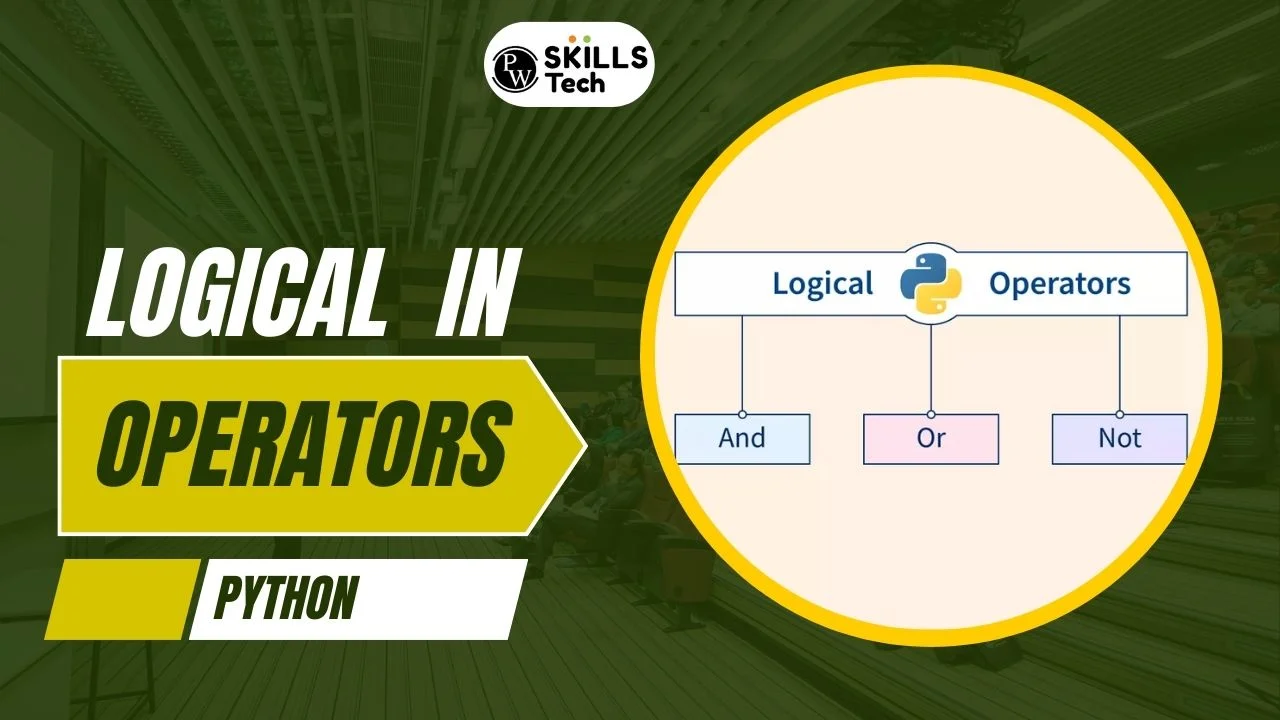









 Live & recorded classes available at ease

