
Lecture 3 : Lists, Tuples and Strings in Python | DSA in Python
 Varun Saharawat16 Jun, 2026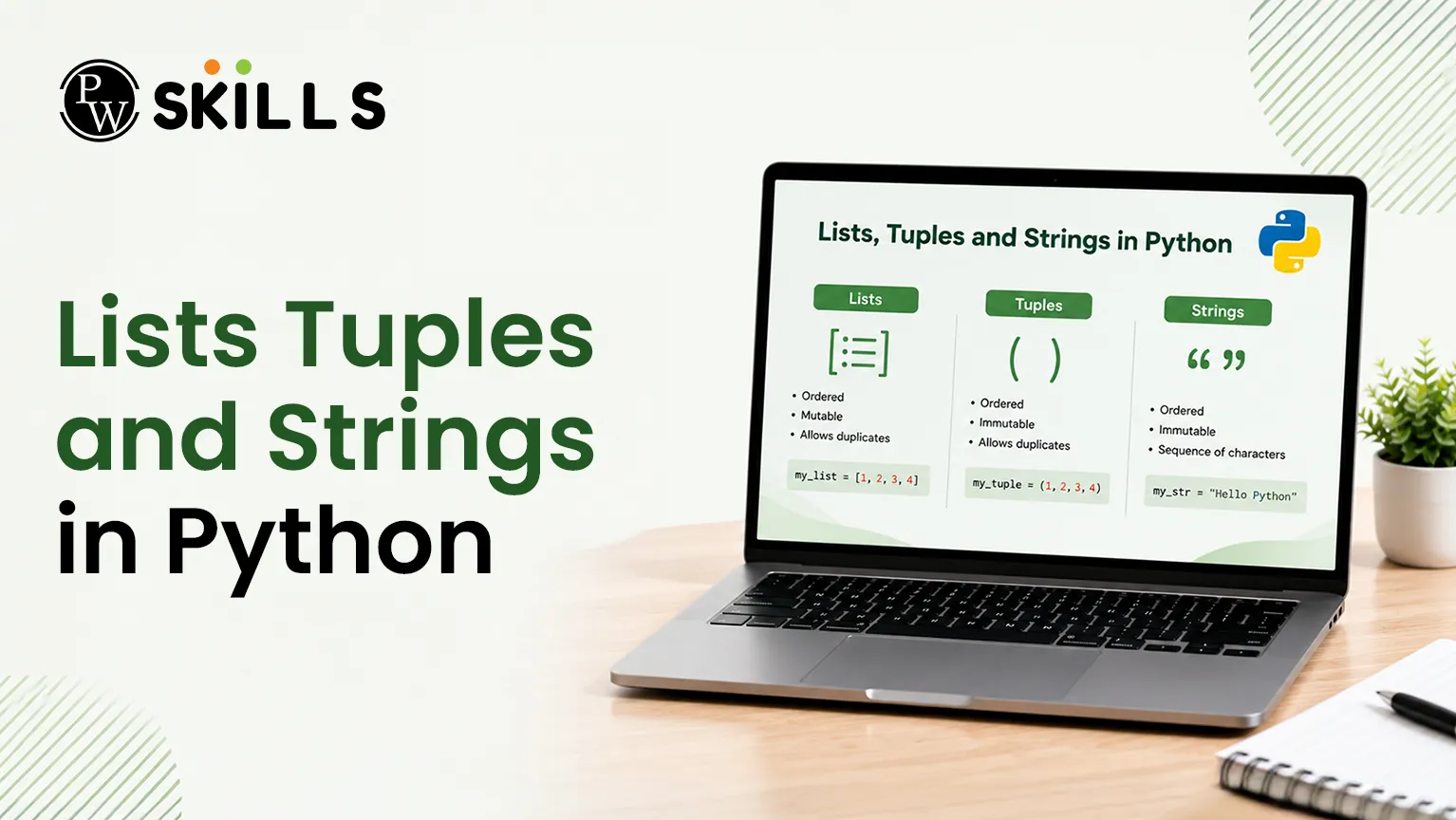
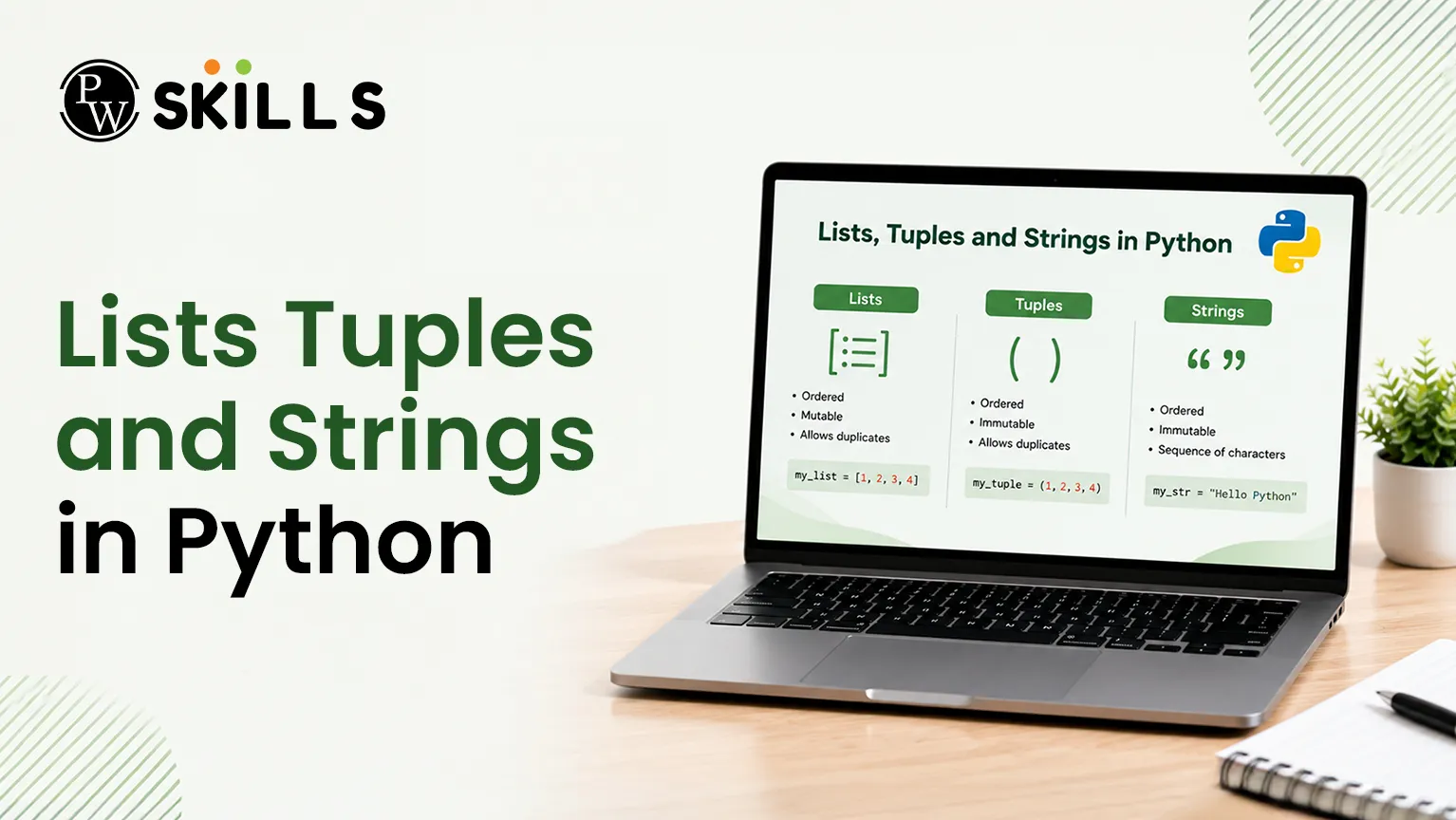
Learning how to work with sequences is important for learning data structures and algorithms. Programmers often struggle to choose the correct collection type, which leads to bugs or poorly optimized programs. This comprehensive tutorial breaks down Lists Tuples and Strings in Python to help you build clean, reliable code.
What are Lists Tuples and Strings in Python
Python organizes ordered data collections under the umbrella of sequence types. While these sequences share common mechanics like index access, they serve different purposes based on mutability and data types.
Properties of Strings
A string is a sequence of characters contained in single, double or triple quotations. No problem. You can use triple quotes to write text that spans numerous lines. Strings are immutable, can only store text, and you cannot modify individual characters once a string is created.
Python
single_line = 'Hello World'
multi_line = '''This sequence
spans multiple lines'''
Properties of Lists
A list is an ordered, mutable collection of items enclosed in square brackets. Unlike strings, a single list can store diverse Python data structures and data types simultaneously, including integers, floats, strings, or even nested lists.
Python
empty_list = []
mixed_list = ['Python', 3.14, 42, [1, 2]]
Properties of Tuples
It is an immutable sequence of objects separated by commas and contained in brackets. Tuples are ordered and can contain mixed data types. They are primarily for structural protection, i.e., they guarantee that the contents of data are not changed during the course of a program execution.
Python
standard_tuple = ('Julia', 1967, 'Actress')
single_item_tuple = (5,) # Trailing comma is required
How to Slice Lists Tuples and Strings in Python
Every sequence assigns an integer position, known as an index, to its elements. Python utilizes zero-based indexing, where the very first item resides at position 0.
Positive and Negative Indexing
Positive indices track positions starting from the left side. Negative indices count backward from the right side, making index -1 a safe shortcut to access the final element.
|
Element |
'P' |
'y' |
't' |
'h' |
'o' |
'n' |
|
Positive Index |
0 |
1 |
2 |
3 |
4 |
5 |
|
Negative Index |
-6 |
-5 |
-4 |
-3 |
-2 |
-1 |
Python
sample_text = 'Python'
print(sample_text[0]) # Output: P
print(sample_text[-1]) # Output: n
Sequence Slicing Syntax
Slicing extracts a designated portion of a sequence without altering the original variable. The formatting follows a sequence[start:stop:step] layout, pulling items up to but excluding the stop position.
-
thing[low:high]: Extracts elements from index low up to high - 1.
-
thing[low:]: Extracts everything from index low through to the end of the sequence.
-
thing[:high]: Fetches items from the start up to index high - 1.
-
thing[:]: Creates a complete shallow copy of the sequence.
Python
numbers = [10, 20, 30, 40, 50]
print(numbers[1:4]) # Output: [20, 30, 40]
print(numbers[:3]) # Output: [10, 20, 30]
Mutability in Lists Tuples and Strings in Python
Understanding mutability helps prevent syntax errors when modifying your data collections. Lists allow direct modifications, whereas strings and tuples throw errors if direct updates are attempted.
Modifying Lists In-Place
You can update, add, or remove list items directly using index assignments, methods, or specific operators.
-
Index Assignment: Replaces an element at a targeted position.
-
.append() Method: Adds a single item to the very end of the list.
-
del Statement: Deletes an item at a specific index completely.
Python
primes = [2, 3, 5, 8, 9, 11]
primes[3] = 7 # Fixes index 3
primes.append(13) # Appends 13 to the end
del primes[4] # Removes index 4 (value 9)
print(primes) # Output: [2, 3, 5, 7, 11, 13]
Handling Immutable Sequences
Strings and tuples cannot be altered. If you attempt an assignment like my_string[0] = 'z', Python raises a TypeError. To modify these structures, you must construct a brand-new sequence.
Python
original_str = 'Java'
updated_str = 'P' + original_str[1:]
print(updated_str) # Output: Pava
Common Operations for Lists Tuples and Strings in Python
Python provides many built-in tools for working with sequences. Lists, tuples, and strings share several common features that make it easy to store, combine, and manage data. Learning these operations helps you work more efficiently with different types of sequence data.
Shared Sequence Operators
Lists, tuples, and strings support several common operations such as concatenation, repetition, and length checking.
Concatenation (+)
The + operator combines two sequences of the same type into a single sequence.
Repetition (*)
The * operator repeats a sequence multiple times when it is multiplied by an integer value.
Length (len())
The len() function returns the total number of items stored inside a sequence.
digit_string = '3'
print(digit_string * 5) # Output: 33333
list_one = [1, 2]
list_two = [3, 4]
print(list_one + list_two) # Output: [1, 2, 3, 4]
In these examples, the string is repeated five times using the repetition operator, while two lists are combined using the concatenation operator.
Important String Operations in Python
Working with text often requires converting, splitting, or combining strings. Python includes several useful string operations that make text processing simple and efficient.
list() Function
The list() function converts a string into a list where each character becomes a separate element.
split() Method
The split() method breaks a string into smaller parts and stores them inside a list. You can choose the character or symbol used to split the text.
join() Method
The join() method combines multiple strings from a list into one single string using a chosen separator.
text_data = 'a-b-c'
split_list = text_data.split('-') # Output: ['a', 'b', 'c']
joined_text = ''.join(split_list) # Output: abc
In this example, the split() method separates the text into individual parts using the hyphen as a delimiter. The join() method then combines those parts back into a single string without any separator. Understanding these common operations for lists, tuples, and strings in Python helps you manage data more effectively and write cleaner, more efficient programs.
Lists Tuples and Strings in Python Comparison
Selecting the ideal sequence type depends on performance needs, memory use, and whether the data requires modifications.
|
Feature |
Strings |
Lists |
Tuples |
|
Syntax |
Quotes (' ', " ") |
Square Brackets ([ ]) |
Parentheses (( )) |
|
Mutability |
Immutable |
Mutable |
Immutable |
|
Content Types |
Characters Only |
Mixed Objects |
Mixed Objects |
|
Memory Allocation |
Minimum Memory |
Dynamic Overhead |
Minimum Memory |
|
Execution Speed |
Optimized/Fast |
Slower |
Optimized/Fast |
|
Primary Use Case |
Storing Text |
Changing Data Sets |
Fixed Records/Constants |
Loop Iterations for Lists Tuples and Strings in Python
Loops help you go through and check every item inside lists, tuples, and strings in Python. They make it easy to process data one element at a time without writing the same code again and again. Python mainly uses two types of loops for iterating through sequence data: for loops and while loops.
Iteration Using For Loops
A for loop is the most common and easiest way to move through a sequence. It automatically takes each item from a list, tuple, or string and processes it one by one from the beginning to the end.
colors = ['red', 'green', 'blue']
for color in colors:
print(color)
In this example, the loop visits each color in the list and prints it on the screen. You do not need to manage positions or indexes manually because Python handles that automatically.
Iteration Using While Loops
A while loop continues running as long as a condition remains true. Unlike a for loop, you must manually track the position of each item using an index variable.
colors = ['red', 'green', 'blue']
index = 0
while index < len(colors):
print(colors[index])
index += 1
In this example, the loop starts at index 0 and prints each item in the list. After every iteration, the index increases by 1 until all elements have been processed. While loops provide more control over the iteration process, but they require careful index management to avoid errors or infinite loops.




FAQs
What is the difference between a list and a tuple?
Do string operations in Python change the original string?
Can a tuple be stored inside a list?
What happens if you multiply a string by another string?
Why does a single-item tuple need a comma?





Get Free Counselling Today
and Clear up all your Doubts
 Live & recorded classes available at easeDashboard for progress trackingLakhs of practice questions

