
Telemedicine Services in Dialysis Care: Transforming Patient Lives
 Varun Saharawat19 Jan, 2026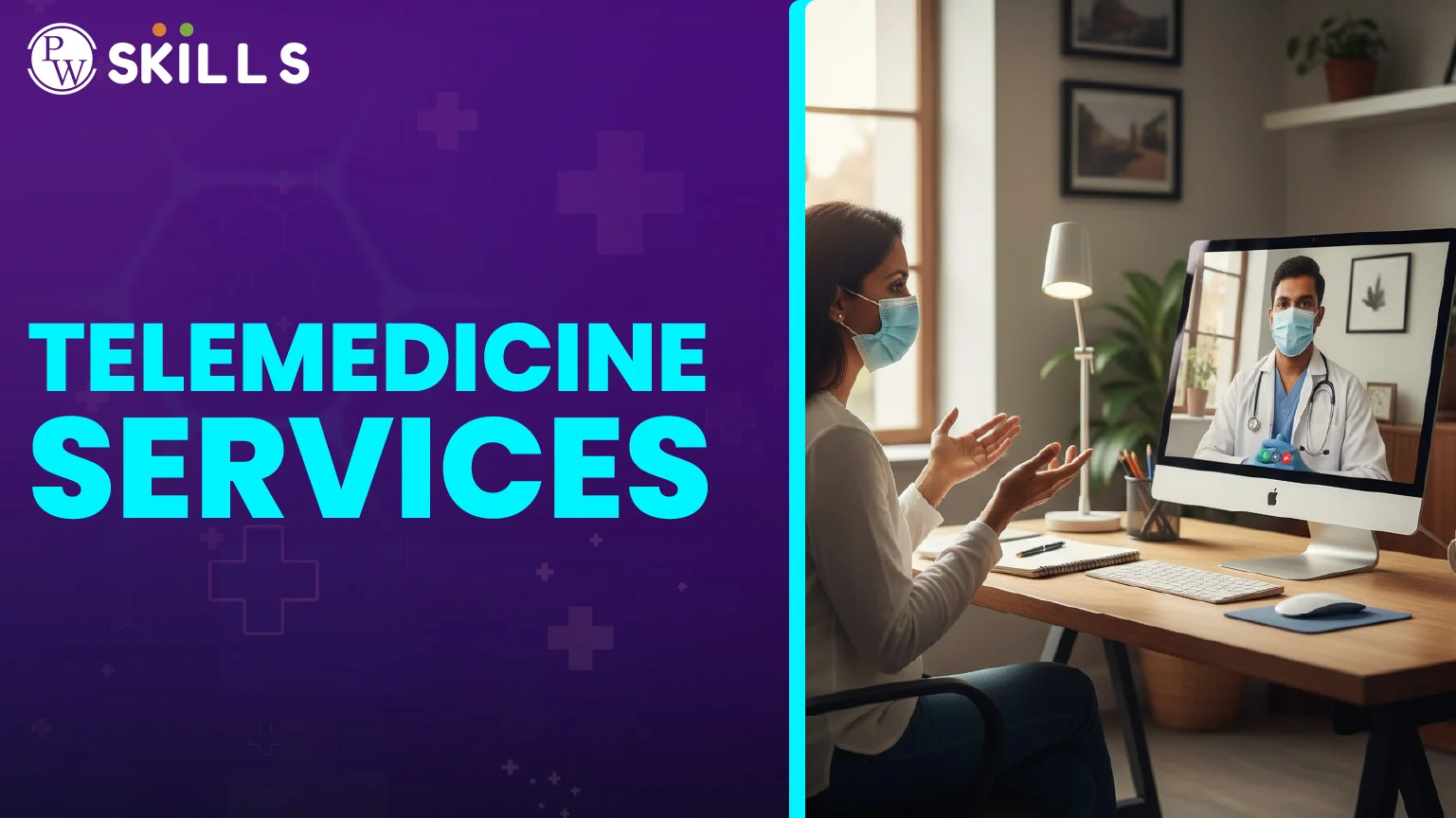
Telemedicine services refer to the remote delivery of healthcare using digital telecommunications technology. In dialysis care, these tools let doctors monitor your kidney function and treatment progress from a distance. By using video calls and data sharing, patients get expert medical advice without traveling to a clinic, making life easier for those managing chronic kidney disease at home.
Telemedicine Services Meaning
Telemedicine services meaning is like talking to your doctor on a video call instead of going to the hospital. In kidney care, we use special tools to stay connected. You might use a tablet to send your weight or blood pressure to a nurse. This tech lets your care team see how your body is doing while you are at home. New smart tools can even guess if a problem might happen before you feel sick. It’s like a digital bridge from your house to the doctor’s office. Instead of waiting weeks to see a doctor, you get help all the time. This keeps small issues from turning into big scares. For a student, think of it as having a teacher who can help you with homework through a computer. We use these tools to make sure your treatment is perfect without you ever leaving your room.The Role of Remote Monitoring
Remote monitoring is a big part of this digital change. It watches your body while you rest. Smart tools can even find tiny mistakes in your treatment early to keep you safe.Bridging the Gap in Care
Many patients live very far from big hospitals. These services bring the doctor to you in a second. You don't have to sit in a car for hours when you feel tired.Telemedicine Services Medicare Benefits
Paying for doctor visits is hard, but telemedicine services medicare plans can really help out. Medicare is a type of help that pays for healthcare. They now pay for many video visits for people doing dialysis at home. You can talk to your doctor on a screen instead of driving a long way. This saves a lot of time and money for your family. Medicare knows it is safer for you to stay home so you don't get germs from other people. They pay for these "screen visits" just like they pay for "office visits." Just remember that some plans are different, so you must check if they cover every part of your care. We see more people getting the help they need because they don't have to worry about the long drive. It makes staying healthy much simpler for everyone.Reduced Travel Costs
Gas and bus money add up to a lot of cash. Virtual visits keep that money in your piggy bank. If you live very far away, like 150 km, this saves your family a ton of money.Lower Risk of Infection
Hospitals can have a lot of coughs and colds. Staying home for your check-up keeps you away from those germs. This is very important if you are waiting for a new kidney.Telemedicine Services Near Me
You might wonder how to find telemedicine services near me that know about kidneys. Most kidney doctors now have a way to talk to you online. You should ask your doctor about their "Online Portal." If they don't have one, there are companies that help connect you to digital labs. You can also look for special schools that teach nurses how to help people over the internet. Your local hospital usually has a list of doctors who do video calls. We think you should look for a place that has "Help Chat" open all day and night. You don't want the screen to freeze when you are talking to the doctor. Finding a doctor near your home is good just in case you need to go in for a blood test later.Checking Provider Credentials
Always make sure the digital doctor is allowed to work in your area. This ensures you get the best and safest care. Often, a whole team of nurses and food experts work together on your screen to help you.Comparing Digital Platforms
Some apps are much easier to use than others. Look for ones that are simple and have bright buttons. Many apps now have fun lessons that teach you about healthy food and staying clean.How to Use Telemedicine Services No Insurance
If you don't have a plan to pay for doctors, telemedicine services no insurance options are there for you. Many websites let you pay a small, set price for a visit. This is often much cheaper than going to the Emergency Room. Some groups even give out free tablets or internet to families who need them. Using apps can be tricky, so some groups teach you how to use the buttons and screen. These services make sure that even without a lot of money, you still get help. Talking to a doctor online is cheaper for the hospital too, so they don't charge you as much. Don't be afraid to ask for help if you don't have insurance. The government is also building better internet in far-away towns so everyone can see a doctor.Low-Cost Virtual Clinics
New companies are starting to help people who don't have insurance. They let you pay as you go or pay a small fee every month. This helps you know exactly how much money you will spend.Community Assistance Programs
Local charities often help with "The Digital Divide." This is when some people have computers and others do not. They might give you a free internet box for your medical calls.Telemedicine Services Best Practices
To have a great video visit, you need to get your room ready. Treat the screen call just like you are at the doctor's office. Find a quiet spot with a lot of light so the doctor can see you. Make sure your tablet is charged up and the internet is working. If you get stuck, use the "Chat Bot" helper on the screen to show you what to do. It is easy to forget your questions when you are on camera. Write them down on a piece of paper before the call starts. Have your medicine bottles near you so you can show the doctor the names on the labels. Being a good student and taking notes makes your doctor very happy. The computer is just a tool; your hard work is what keeps you healthy.Preparing Your Medical Data
- Write down your weight every single morning.
- Keep a list of how you feel, like if you are sleepy or hungry.
- If your dialysis machine has a plug for the internet, let it send your data to the doctor.
- Have your latest test results sitting on the table.
Troubleshooting Technical Issues
Don't worry if the video stops moving. Most apps have a "try again" button you can click. It is a good idea to have a plan for how to pay online so you don't have any trouble later.FAQs
- What things do I need for telemedicine services? You need a phone, a tablet, or a computer with a camera. You also need good internet. Some doctors might give you a special scale to weigh yourself.
- Is my secret info safe on the video call? Yes, doctors use special "locked" apps to keep your secrets safe. These apps scramble your words so only the doctor can hear them. Keeping your info safe is very important to doctors.
- Can the doctor give me medicine over a video call? Yes! The doctor can send a note to the pharmacy to get your medicine ready. Sometimes, for very special medicine, you might still need to go see them in person once in a while.
- Does this mean I don't have to do my dialysis anymore? No, you still have to do your dialysis treatments. The video call is just for talking to the doctor about how the treatments are going. It replaces the talk, not the medicine.
- What if I don't know how to use a computer? Do not worry! These apps are made to be very, very easy. Many places have people who can teach you or your family how to use the screen step-by-step.





Talk to a counsellorHave doubts? Our support team will be happy to assist you!



Get Free Counselling Today
and Clear up all your Doubts
Talk to Our Counsellor just by filling out the form.
Join 15 Million students on the app today!
 Live & recorded classes available at easeDashboard for progress trackingLakhs of practice questions

